
- UNUSUAL PROBLEMS DESCRIPTION
(Please provide detailed key information, including fault phenomena, trigger conditions, error messages, occurrence frequency, and relevant operating procedures. Attach supporting pictures if available.):
(请详细描述故障现象、触发条件、报错信息、故障发生频次、相关操作流程等关键内容, 附上图片等)
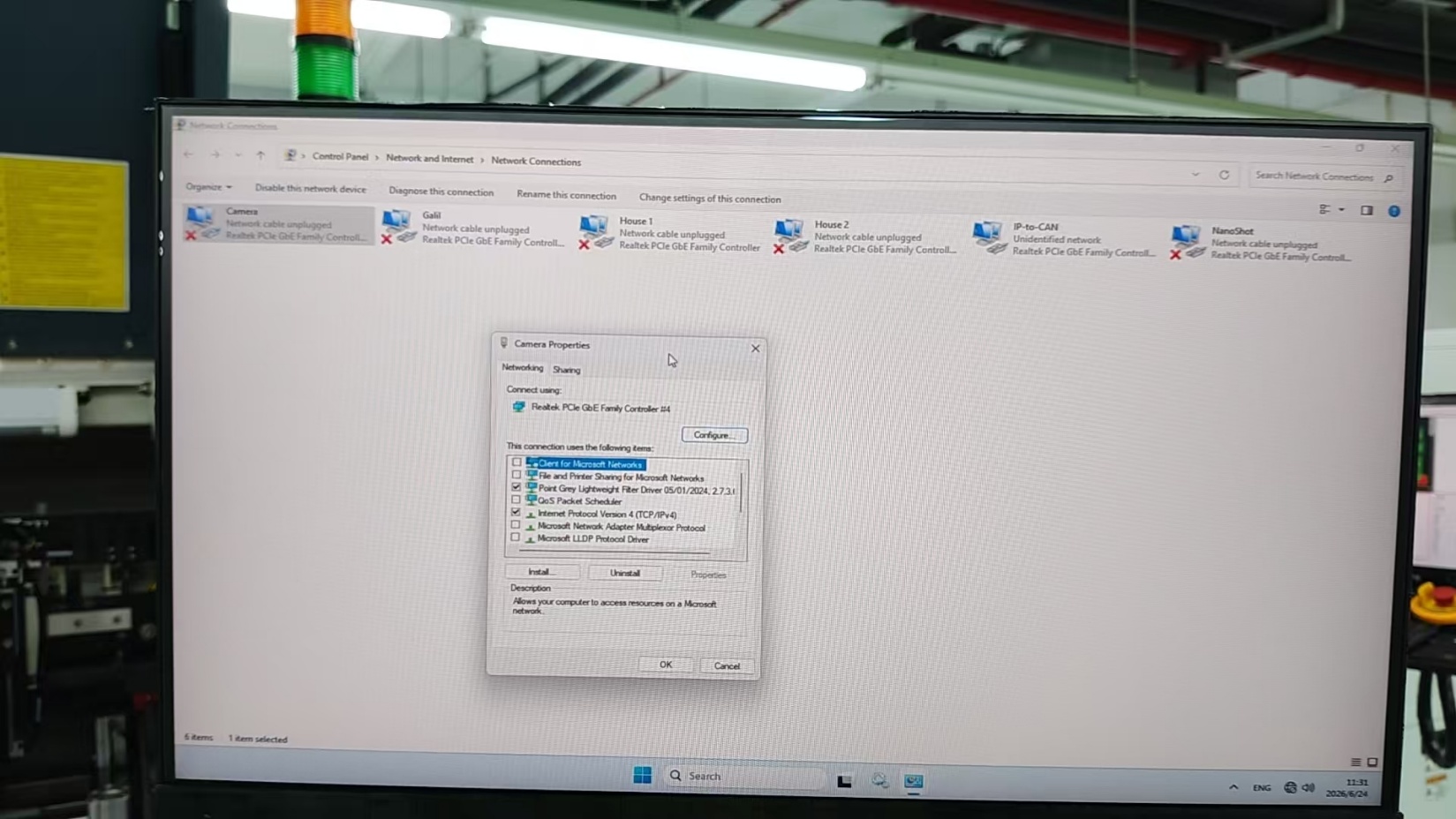
Camera network disable (refer to the picture below)
- SOLUTIONS APPLIED
(Please record in detail the troubleshooting steps, implemented solutions, parts replacement information, parameter adjustment details, and fault verification results, etc.)
(处理措施,请详细记录故障排查步骤、实施的解决措施、配件更换信息、参数调整内容、故障验证结果等)
- Check Camera IP address, the IP is ok
- Check POE and found the yellow light was flashing.
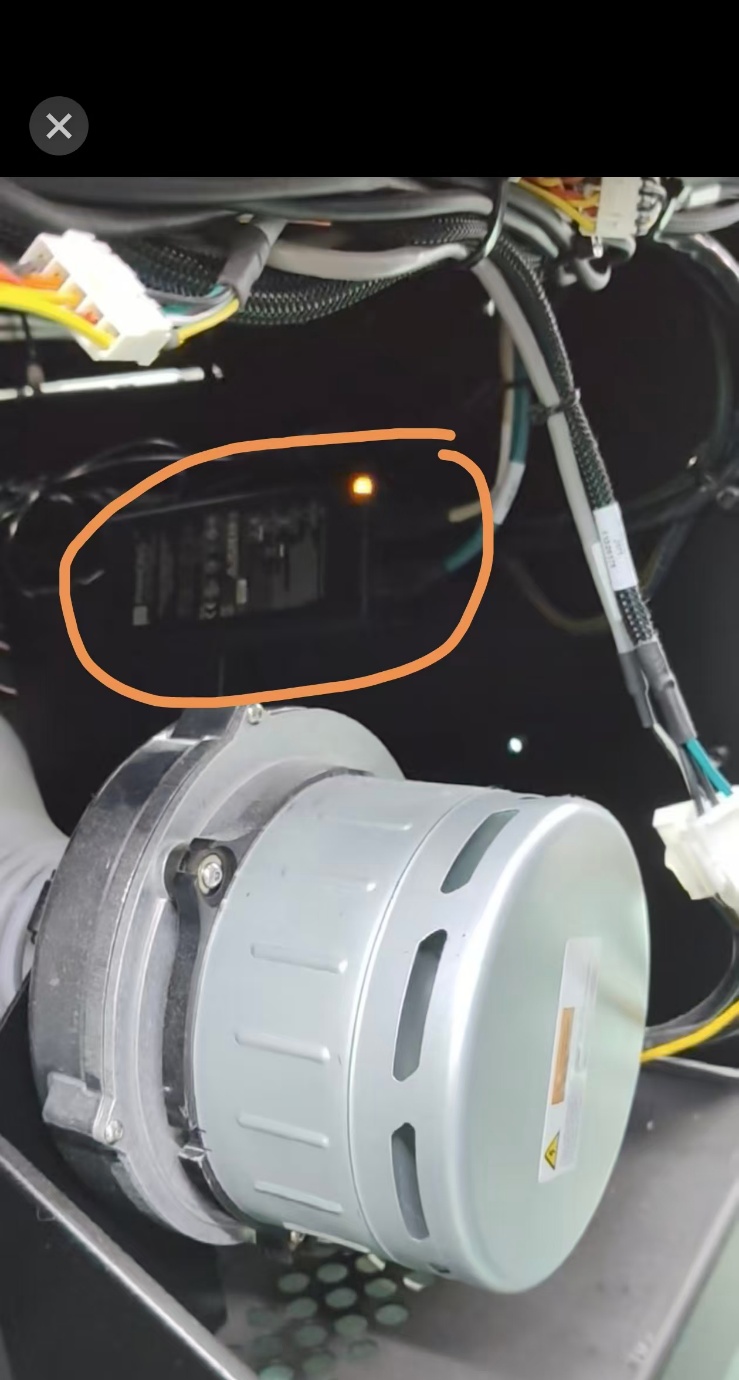
- Swapped the POE, but the problem remains.
- Swapped the computer, the problem remains.
- Swapped the IP camera assy (include P61925 CAMERA, P13923 CABLE, P13919 RJ45 adapter and P13502 heatsink)
- The camera network is ok.
PS: 1. Need to warranty claim for them, but P13502 isn’t NR and P61925 and P13502 need to be glued together with thermally conductive glue. So, in the future we need to create a component pn for both.
2. When we replace the camera, we do not have documentation suitable for field operation/setting.